Date setup in explore mode
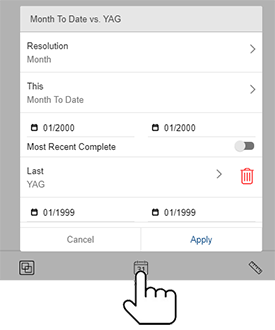
Tap the  button at the bottom of explore mode to access date setup options.
|
In general, these are the same as date options in the widget menu. |
|
Date setup for Multi Comparative widgets
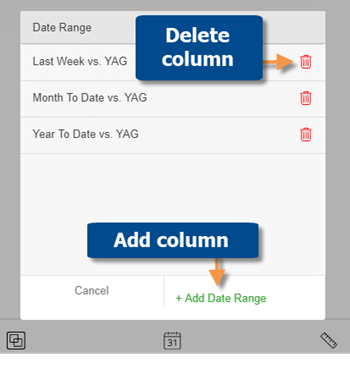
For Multi Comparative widgets, explore mode allows you to add and delete columns. When you add a column, you choose the date range to show. You can then filter the column to focus on any subset of the data if you wish.