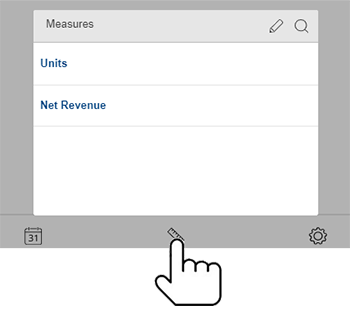
Tap the button at the bottom of explore mode to access measure options. In general, these are the same as view mode.
To show/hide any measure, tap on it.
Show = bold blue text
Hide = regular text
To add another measure:
Tap the icon to select it from a list of available measures.
Or, tap to search for a measure.
 button at the bottom of explore mode to access measure options. In general, these are the same as view mode.
 icon to select it from a list of available measures.
 to search for a measure.