Save
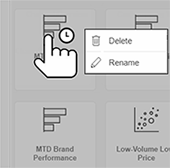
You can save your changes to a dashboard. For example, filter the data and then save changes in a new dashboard to return to it later.
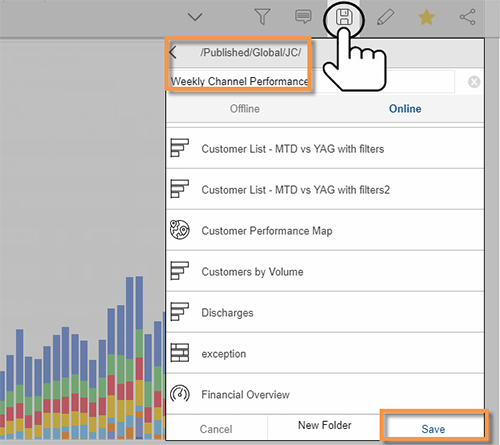
Tap  and then choose a dashboard name and location. Create your own folder if you wish. The available categories (private or global/shared) depend on your account settings.
 |
Tips: |